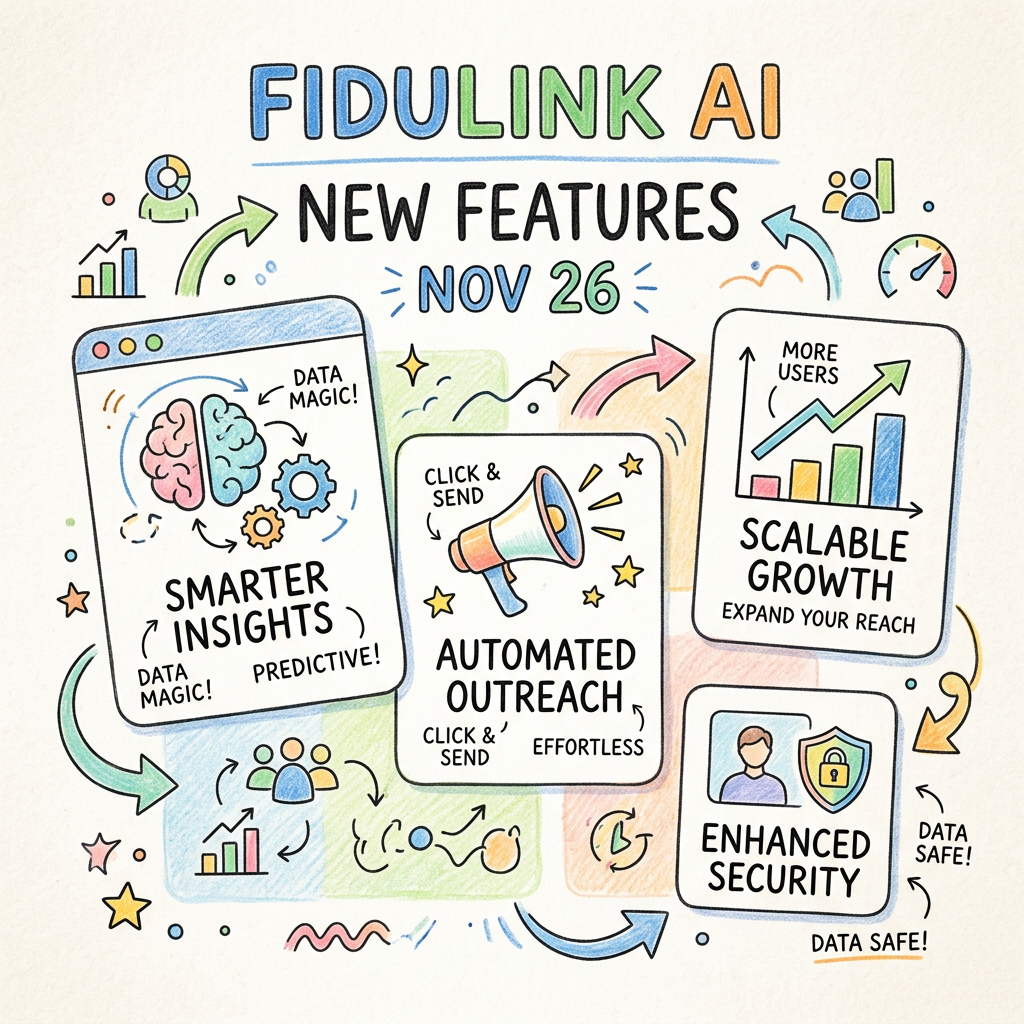
What's New in FidUlink AI: The November 2026 Updates That Matter for Fiduciary Advisors
What's New in FidUlink AI: The November 2026 Updates That Matter for Fiduciary Advisors
Nov 10, 2026 · @Jacob Wagner
FidUlink AI's November 2026 update improves four things wealth managers, Registered Investment Advisors and other fiduciary firms care about: answering every call, following up inside approved guardrails, keeping a searchable record of what was said, and being found when prospects search. Nothing here asks your team to learn a new tool. We configure the changes for you, as we always have.
The platform underneath FidUlink AI shipped more than 300 changes last week. Most were built for restaurants, online stores, and contractors. We read all of them, and these are the ones that belong in an advisory practice.
What happens when a prospect calls during a client meeting?
The call is answered, the caller is helped, and you get a summary. That was already true. What changed is how natural the call sounds and how much it can do afterward.
More natural phone conversations. The voice model now works directly with speech instead of converting it to text and back. Responses come faster, with fewer of the pauses that make callers hang up.
Appointment confirmation calls. Your AI receptionist can call a client ahead of a scheduled review to confirm the time. It runs from the calendar itself.
Your firm's name on caller ID. Branded calling shows your firm name when your team calls out, so clients know who is calling before they answer.
Changes tested before they go live. We can now stage a new version of your receptionist's instructions, test it, and keep the working version answering calls in the meantime.
What has not changed: the AI identifies itself as AI when asked, and it never speaks as you or your staff. Ours is named Sam. Your firm chooses its own name.
Can AI follow up without going off script?
Yes, and this is the change we think matters most for fiduciary firms. The text and chat side of the AI communication layer gained three abilities.
Guided conversation paths. We can now define the path a conversation takes: which questions are asked, what information is shared, and when it hands off to a person. Each step carries its own approved instructions and knowledge. The AI stays on the path instead of improvising.
Follow-up that starts on its own. Until now, the AI waited for someone to message first. It can now begin a conversation on a trigger your firm approves, such as a missed call or a new inquiry. The 60-day follow-up you promised at the end of a discovery call no longer depends on someone remembering it.
Re-engaging prospects who went quiet. The platform can find people in your pipeline nobody has contacted recently and reach out with a message your firm has reviewed. We recommend starting small: one approved message, a defined list, and a person reading the replies.
Behind all three, conversation logs now measure each exchange against the outcome it was configured for and alert us when responses drift. The platform can also rewrite its own instructions when it detects drift. For advisory firms we leave that off, so a person reviews any change to client-facing language.
Where does the record of those conversations live?
In one place, and it is now much easier to search.
Transcripts and summaries for calls. Recorded calls now produce a transcript and a summary, and can pull stated details into the contact record. Your team can read them on the mobile app as well.
Search by what was said. Conversations are searchable by message content, not only by name. If you need every exchange that mentions a rollover, you type the word.
History attached to the right relationship. Notes, tasks, and appointments can now belong to a specific opportunity instead of piling up on one contact.
FidUlink's record exporter continues to back up the conversations and call recordings created through the platform. [JAKE: confirm whether the exporter captures the new transcript, summary, and meeting-recording formats before this line is published.]
Do you still need a separate video meeting tool?
Possibly not. Video meetings are now built into the platform and tied to your calendar.
Each booking can generate its own meeting link, or you can keep one permanent room. Meetings support screen sharing and recording, with transcripts labeled by speaker and saved automatically. Afterward, you can ask for a summary or a list of action items.
Two cautions. Recording a client meeting is subject to the same consent and disclosure practices your firm already follows. And if you have a meeting recorder that already writes notes into your planning CRM, there is no reason to change it.
Will prospects find your firm when they ask an AI for an advisor?
You can now see whether they do. A new search visibility tool tracks where your firm appears in traditional search results and in the answers the major AI assistants give.
It sits alongside an expanded website health check covering page speed, security certificate status, and whether your privacy policy and terms are in place. Neither replaces a search strategy. They tell you where you stand, which most firms have never been able to measure.
Does the platform understand that a client is a household?
Better than it did. One opportunity can now hold several people, each with a label your firm defines: both spouses, an adult child with power of attorney, the CPA.
Two smaller changes help here. Appointment statuses can be renamed in your own language, so a review reads "Plan delivered" instead of a generic "Showed." And fields can now calculate from other fields, which removes a category of manual updates.
None of this replaces Redtail or Wealthbox. Your planning CRM remains the system of record, and FidUlink AI handles the communication around it.
Is the workspace getting simpler or more complicated?
Simpler. Three changes are aimed at the person who uses the system every day.
A menu that shows only what your firm uses. We can now hide everything an advisory practice does not need and rename what remains in your terms.
A map of every automation. A visual map shows each automated sequence in your account and what it connects to. We can trace one client's path through all of them, so "what will this person receive, and when?" has a clear answer.
Scheduled summaries by email. A dashboard report can arrive on a schedule you choose, such as a Monday summary of new inquiries, booked meetings, and follow-ups in progress.
The conversation inbox also loads about 2.6 times faster, according to the platform's published figures.
What did we leave out?
Most of it. Online storefronts, restaurant table management, rental bookings, loyalty points, and TikTok advertising have no place in an advisory practice. With the new menu, you will not see them.
We are also holding back two things on purpose: AI that operates a social media account on your behalf, and AI-drafted responses to reviews. Both touch advertising and recordkeeping obligations, and we want to understand how they fit before we put them in front of you.
One optional addition: task and project boards tied to contact records. Some firms will want onboarding checklists next to the conversation history. Firms that already run those in a planning CRM should keep them there.
Frequently asked questions
Do I have to do anything to get these updates? No. We configure them in your account and walk you through what changed at your next check-in. Your staff installs nothing.
Does the AI ever speak as me or my staff? No. It is its own named entity and identifies itself as AI when asked. That rule did not change with this update.
Does this replace my planning CRM? No. FidUlink AI is the communication platform around Redtail, Wealthbox, or whichever planning CRM you use. Your CRM stays the system of record.
Can the AI change its own client-facing language? The platform allows it. We keep it off for advisory firms, so a person reviews every change before clients see it.
See it configured for a firm like yours
If you are a current client, your next check-in will cover which of these are live in your account.
If you are evaluating FidUlink AI, the most useful thing we can do is show you these features set up for an advisory practice, not a generic demo. Book a walkthrough and bring your hardest compliance question.